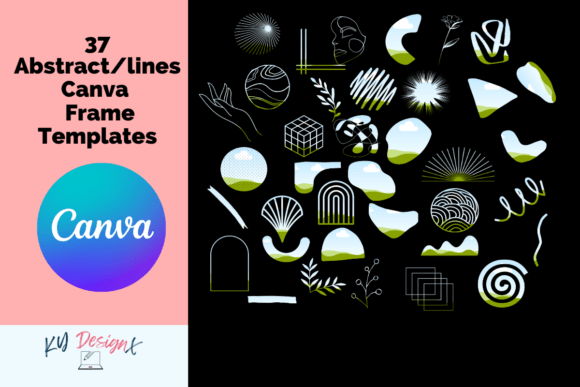
37 Canva Modern Abstract & Lines Frames: A Creative Toolkit
If you've ever stared at a blank Canva canvas, wondering how to make your graphics look polished and professional without spending hours fiddling with design elements, you're not alone. The 37 Canva Modern Abstract & Lines Frames collection is built exactly for moments like these. It's a set of 37 custom-made frame templates designed to drop into your Canva projects instantly, giving your images, products, and marketing materials a contemporary, artistic edge.
These frames aren't the kind of ornate, fussy borders you'd find on vintage postcards. They're clean, geometric, and deliberately modern. Think sweeping curved lines, angular cutouts, overlapping shapes, and abstract negative space that frames your subject without overwhelming it. The personality here is confident and minimal, the kind of visual language you see in high-end magazine layouts, boutique branding, and contemporary art portfolios. There's a quiet sophistication to them that suggests you know exactly what you're doing, even if you're just getting started with design.
What Makes These Frames Stand Out
Abstract and line-based frames occupy a specific niche in modern typography and graphic design. They do something traditional photo borders can't: they create visual tension and interest by playing with the relationship between what's inside the frame and what's outside it. A curved line cutting across a corner, a geometric shape partially masking an image, overlapping rectangles with different opacities—these details transform a flat, static graphic into something that feels dynamic and considered.
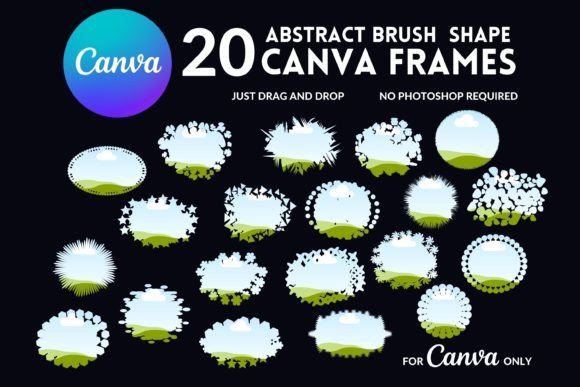
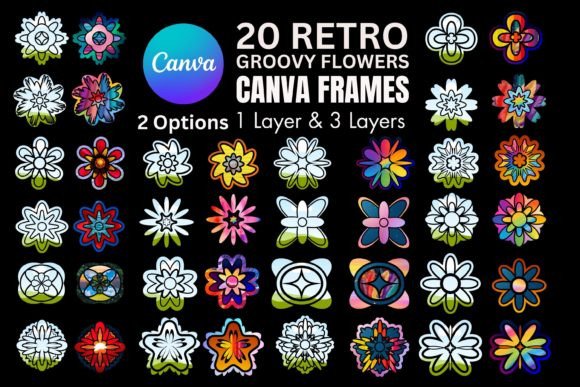
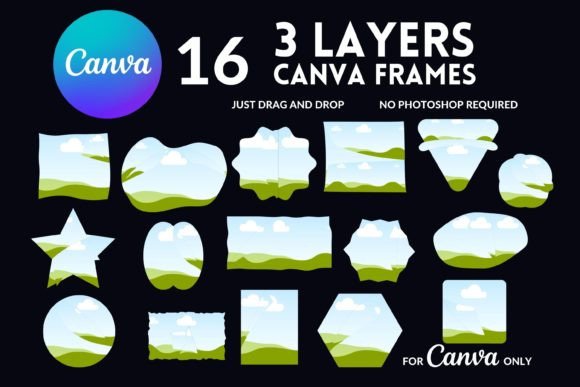
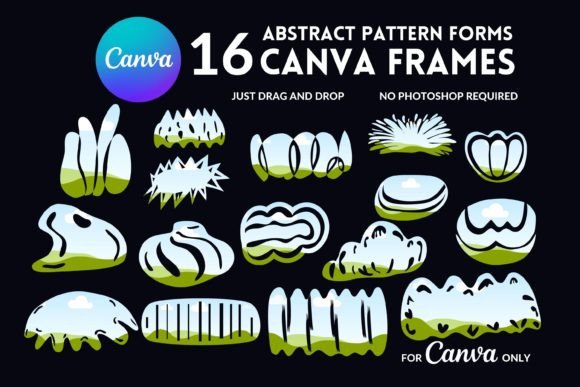
The 37 Canva Modern Abstract & Lines Frames collection leans into this idea across 37 distinct variations. Some frames are bold and architectural, with thick lines and sharp angles that command attention. Others are softer and more fluid, using thin strokes and organic curves that feel almost hand-drawn. This range matters because not every project calls for the same energy. A fitness brand promoting a new class schedule needs something different from a wellness blogger sharing a recipe, and having options within one cohesive collection means you can maintain visual consistency while adapting to different contexts.
Where These Frames Work Best
The practical applications for these frames stretch across more projects than you might initially think. Here's where I've seen abstract frames like these make the biggest difference:
- Social media graphics. Instagram posts, Facebook covers, Pinterest pins, and LinkedIn banners all benefit from frames that separate your content from the endless scroll. A well-placed abstract frame draws the eye and signals that this particular graphic was made with intention, not just slapped together.
- Brand identity and logo design. When you're building a brand, consistency is everything. Using the same frame style across your business cards, letterheads, website headers, and social profiles creates a recognizable visual thread. These frames work particularly well for brands that want to project modernity, creativity, and professionalism without relying on heavy ornamentation.
- Editorial and publishing design. Blog headers, magazine layouts, e-book covers, and digital publications all need visual hierarchy. Frames help guide the reader's eye to the focal point, and abstract line frames do this while adding a layer of editorial sophistication.
- Packaging and product design. Whether you're designing labels for a candle line, mockups for a new product launch, or presentation slides for investors, frames add structure and polish. They make even rough product photos look intentional.
- Print-on-demand products. The collection's description specifically mentions posters, mugs, pillows, towels, and notebooks. These are real, tangible products where a clean frame can elevate a simple image into something worth buying.
- Marketing materials. Flyers, brochures, email headers, webinar slides, and ad creatives all need to look credible. Abstract frames add that layer of design sophistication that makes potential customers take your message seriously.
Using Frames to Influence Perception
Frames do more than decorate. They shape how people interpret what's inside them. A tightly cropped geometric frame can make a product photo feel premium and exclusive. A loose, flowing abstract border can make the same photo feel approachable and artistic. This is where design stops being just visual and starts becoming strategic.
When you use the 37 Canva Modern Abstract & Lines Frames consistently across your brand, you're building visual recognition. Your audience starts associating that specific style with your content. Over time, this becomes part of your brand identity, a visual shorthand that communicates your values before anyone reads a single word.
There's also the question of visual hierarchy. In any design, certain elements need to stand out more than others. Frames help establish that hierarchy by creating boundaries and focal points. A product image framed with a bold abstract border immediately becomes the most important element on the page. Supporting text, logos, and secondary imagery fall naturally into place around it. This is the kind of subtle design work that separates professional-looking graphics from amateur ones.
Getting Started and Making It Work
One of the strongest selling points here is simplicity. You don't need advanced design skills to use these frames. The process is genuinely straightforward: copy the frame into your Canva project, drag your image or background into the frame, and adjust as needed. Canva's interface makes this intuitive, and because Canva works on mobile devices, you can edit and refine your designs from your phone, which is a practical advantage for anyone managing content on the go.
A few practical observations worth noting:
- Test frame pairings with your content. Not every frame will suit every image. A busy photograph might get lost inside an intricate abstract frame, while a simple product shot might need something bolder to hold visual weight. Experiment with a few options before committing.
- Consider your audience. If you're designing for a corporate audience, lean toward the cleaner, more geometric frames. If your audience skews creative or lifestyle-oriented, the more expressive, flowing options might resonate better.
- Think about scale. Some frames look stunning at full size on a poster but lose their impact when shrunk down to a social media thumbnail. Preview your designs at the actual size they'll be displayed.
- Maintain consistency. Pick two or three frame styles from the collection and use them repeatedly across your projects. This creates cohesion without monotony.
- A free Canva account is required. This is worth mentioning because it keeps the barrier to entry low. You don't need a Pro subscription to start using these templates, though Canva's paid features can add extra flexibility.
A Design Asset Worth Having
The 37 Canva Modern Abstract & Lines Frames collection fills a genuine gap for creators who want professional-looking design assets without the learning curve of advanced software. It's not a magic solution that replaces good design thinking, but it is a practical tool that gives you a strong starting point. Whether you're a small business owner building your first brand kit, a content creator looking to elevate your social media presence, or a designer who needs quick, reliable frame options for client work, this collection delivers real utility.
Abstract frames are one of those design elements that quietly do a lot of heavy lifting. They don't shout for attention, but they make everything around them look better. And in a visual landscape where first impressions happen in milliseconds, that kind of subtle professionalism is exactly what sets your work apart.