Streamline Your 2024: The Ultimate Canva Planner Template System
The End of the Blank Page
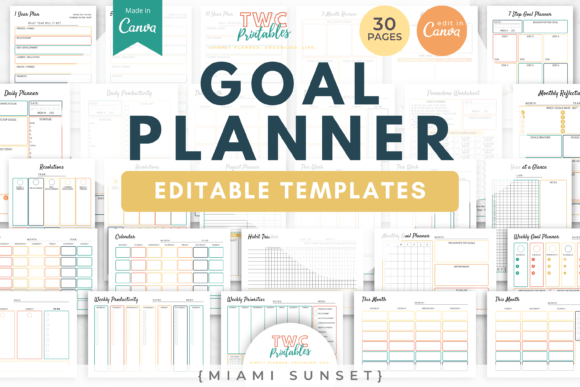
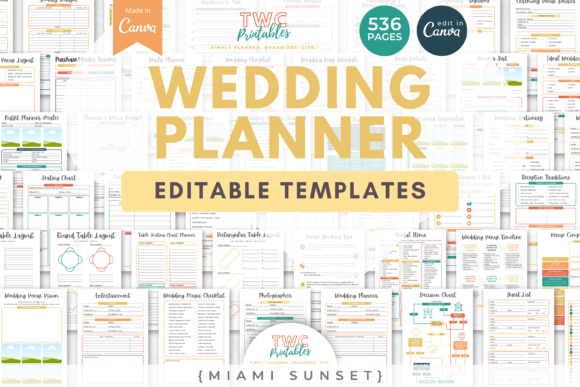
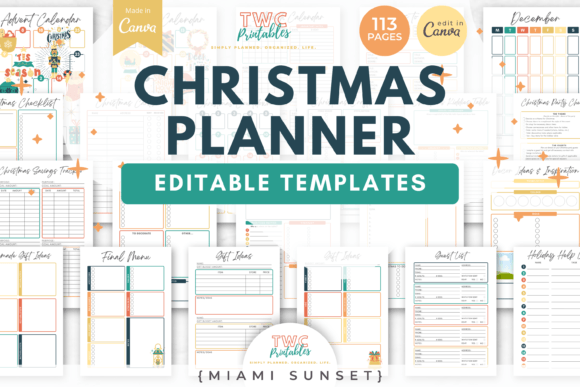
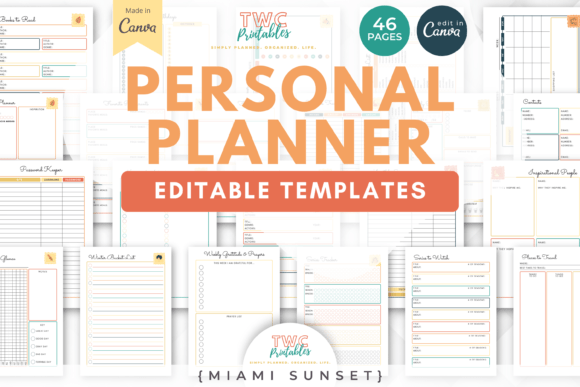
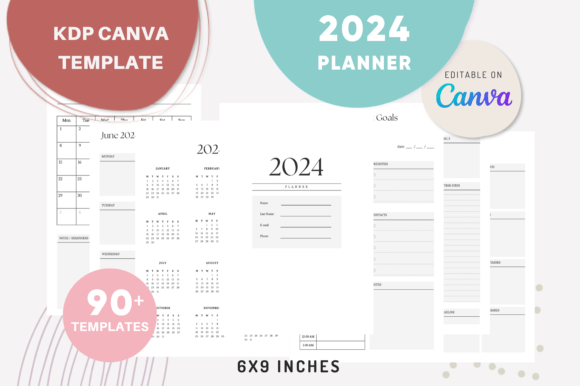
Starting a new planner from scratch is one of the most daunting tasks for any creative professional or entrepreneur. You stare at a blank digital canvas, knowing you need a cohesive structure for the year ahead, but the sheer volume of pages—monthly calendars, weekly breakdowns, daily task lists, goal sheets—can bring progress to a halt. The 2024 Canva Planner Templates are designed to eliminate that initial friction. This isn't just a collection of random pages; it's a comprehensive, pre-structured system of over 90 interlocking templates, all sized at the standard 6×9 inch format and ready for immediate customization or commercial use as a KDP interior.
Think of it as the architectural blueprint for your entire year. You receive a foundational set that includes everything from an introduction page and a 2024 calendar to specialized templates for monthly goals, weekly planning, daily to-do lists, and even a visual board. The true power, however, lies in its modular design. Each template exists as a separate, editable page within Canva, allowing you to mix, match, and sequence them in any order you wish. This approach transforms planning from a rigid, one-size-fits-all exercise into a fluid process that adapts to your specific workflow, whether you're a marketer mapping out campaigns, a blogger organizing content, or a small business owner tracking inventory and milestones.
A Modular Design Philosophy for Real-World Use
The visual character of these templates is intentionally clean, modern, and functional. The design leans towards a minimalist aesthetic with thoughtful use of whitespace, clear typographic hierarchy, and subtle decorative elements that don't overwhelm. This isn't about flashy graphics; it's about creating a calm, organized environment that facilitates focus. The personality is professional yet approachable, making it suitable for corporate branding, freelance work, or personal use. The style ensures that the planner itself doesn't become a distraction but rather a supportive tool that enhances clarity and productivity.
This system excels across a multitude of practical applications. For entrepreneurs and small business owners, the ability to create a unique planner means you can build a branded product to sell or give to clients. The templates are pre-checked for Kindle Direct Publishing, removing the technical guesswork from creating a sellable planner. For designers and content creators, it serves as a foundational design asset. You can use the monthly spread templates as the basis for social media content calendars, the weekly planners for project timelines, and the goal templates for client strategy sessions. The consistency in layout across all pages ensures visual harmony, which is crucial for maintaining a professional brand identity when presenting plans to stakeholders or clients.
Customization as a Branding Tool
Every element within these Canva templates is editable. This is where you move from a generic planner to a powerful brand touchpoint. You can change the text to reflect your industry-specific terminology, adjust the color palette to match your brand guidelines, swap fonts to align with your typographic voice, and even alter the layout structure to better suit your content. This level of control allows you to influence key aspects of visual communication.
- Readability & Visual Hierarchy: By adjusting font sizes and weights for headers and body text, you guide the user's eye through the information, making the planner intuitive to navigate.
- Brand Perception & Consistency: A planner that uses your brand's signature colors and fonts reinforces your identity every time it's used, building recognition and professionalism.
- Audience Engagement: A well-designed, personalized planner is something people are more likely to use consistently, turning it into a valuable touchpoint for your brand or business.
Practical Guidance for Implementation
Evaluating if this template system is the right fit for your project involves considering your end goal. If you're creating a planner for personal use or internal team use, the focus will be on functionality and personal preference. If you're developing a product for sale, your evaluation must also consider your target audience's aesthetic preferences and the commercial licensing provided with the templates.
Start by planning your page sequence. While the templates offer a logical flow, you might decide your audience needs more weekly pages than monthly ones, or that a dedicated notes section should follow each monthly goal page. Use Canva's "Uploads" feature to bring in your brand assets—logos, icons, custom illustrations—to personalize the design further. When testing font pairings, consider contrast. A clean sans-serif font for body text pairs well with a slightly more distinctive serif or script font for headings, creating a clear hierarchy without sacrificing readability, especially in the smaller 6×9 inch format.
Finally, always conduct a final review. Export your completed planner as a PDF and check it on different devices and in print preview. Ensure that the text is legible, the spacing feels comfortable, and the overall flow makes sense from a user's perspective. The included styles are designed to be versatile, but your final review ensures they meet the specific demands of your project and audience, resulting in a polished, professional tool that truly streamlines the year ahead.